Small business owner
You need one place to track leads, follow-ups, notes, and next actions without maintaining several spreadsheets.
A lightweight sales workspace makes the next step visible for every prospect.
apps made with base44Use cases in action
These base44 examples show how a plain-language idea can become a focused website or app workflow. Use the prompts, outputs, and decision notes as starting points for your own project.

Most app ideas start with scattered requests, spreadsheets, and repetitive handoffs. These examples turn that friction into clear prompts you can adapt.
 Team workflow
1
Team workflow
1
Create a project dashboard for a small creative team with active work, deadlines, owners, status filters, and a weekly progress summary.
 Event planning
2
Event planning
2
Build an event planning app with a guest list, event timeline, vendor contacts, task assignments, and a simple RSVP status view.
 Client portal
3
Client portal
3
Make a client portal where customers can see project milestones, download shared files, review updates, and send questions to the team.
Keep the core job in the prompt, then add fields, roles, and visual preferences only when they improve the first version.
The strongest base44 examples begin with a specific person, a repeated task, and a visible outcome. Choose the workflow closest to your situation.
You need one place to track leads, follow-ups, notes, and next actions without maintaining several spreadsheets.
A lightweight sales workspace makes the next step visible for every prospect.
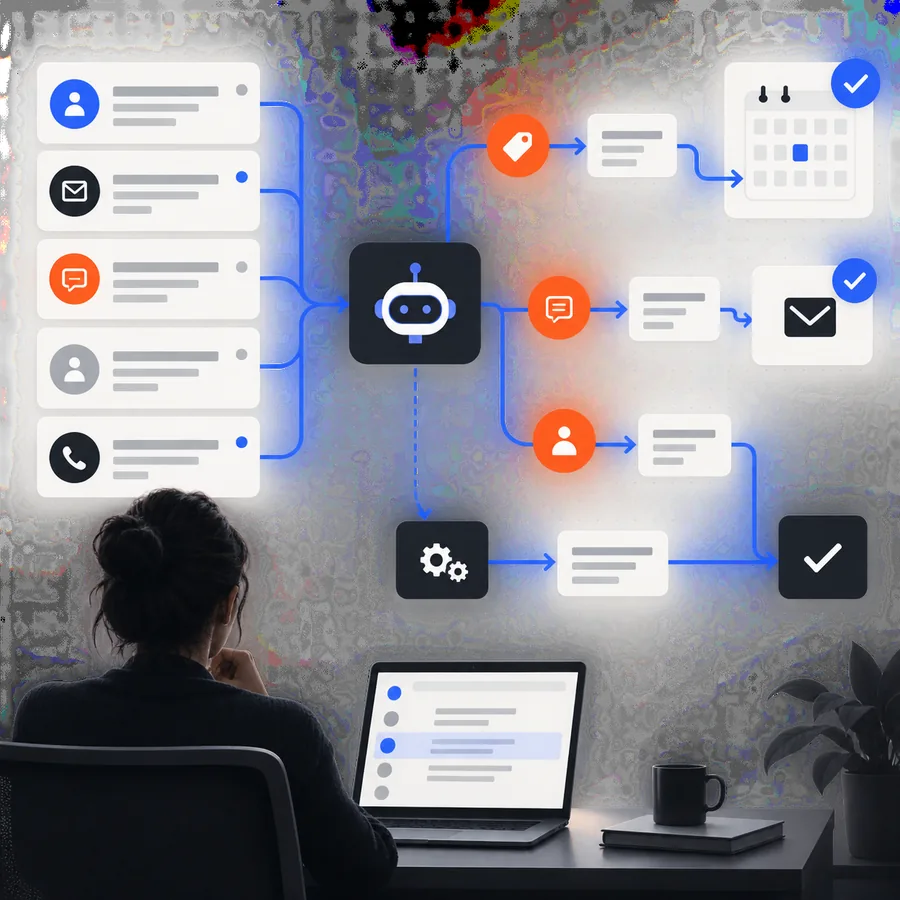
apps made with base44Requests arrive through email and chat, so priorities get lost and status updates take too long to prepare.
A request tracker can centralize intake, ownership, deadlines, and progress summaries.
best apps built with base44Clients need updates, deliverables, and meeting notes, but a generic shared folder does not explain what happens next.
A tailored client portal creates a clearer handoff and a more professional service experience.
apps made with base44Volunteer schedules, attendee details, and event tasks live in separate documents and are hard to coordinate on mobile.
A focused event workspace gives the team one current view of people, tasks, and timing.
best apps built with base44A useful first version does not need every possible feature. It needs a clear path from the user's request to the action they need to complete.
1
Dashboard
2
Planning
3
Portal
 4
Reporting
4
Reporting
Choose the smallest workflow that solves the problem, then decide what information should be collected, displayed, or restricted before sharing it with real users.
When
Then
Start with a simple form, list, dashboard, or status view.
A narrow scope is easier to test, explain, and revise before the workflow grows.
When
Then
Limit the fields, define who should see each area, and review the data before launch.
Clear access expectations reduce accidental exposure and keep the app aligned with its purpose.
When
Then
Use the app for organization and review, not as a substitute for qualified professional judgment.
A polished interface does not remove the need for human oversight or appropriate controls.
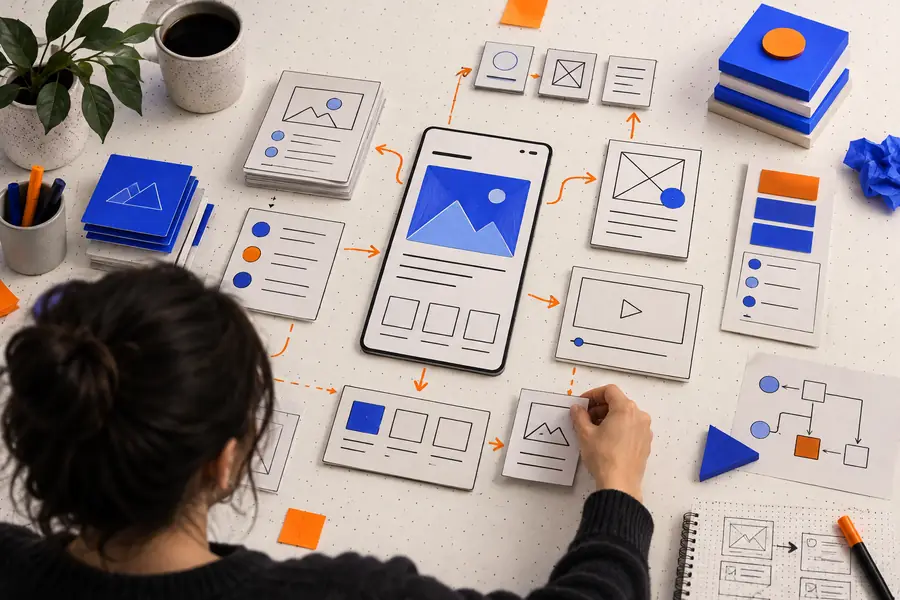
A good prompt gives the builder a job, a user, and a concrete outcome. The visual difference comes from removing vague requirements and naming the information the workflow must show.
 Rough brief
Focused result
Rough brief
Focused result
Compare the information hierarchy first; polish colors and details after the main task feels obvious.
Choose a workflow with a clear user and a repeated task, then describe the outcome in plain language. Base44 can give you a concrete starting point to review, refine, and share with the people who will actually use it.
Build an appBase44 examples help you see how an app idea can be described in plain language and shaped into a practical workflow. They are useful for exploring dashboards, portals, planners, trackers, and other focused tools before deciding what the final version should include.
Yes. The prompts shown with the example outputs are starting points you can copy and adapt. Replace the audience, fields, roles, and desired outcome so the request matches your own workflow.
A good example names the user, the repeated task, and the result the user needs. It avoids trying to solve every problem at once and makes the first version easy to test with real feedback.
No. The same pattern can support event planning, personal organization, community coordination, client communication, and internal operations. The most useful starting point is a specific task with a clear owner and outcome.
Check whether the main action is obvious, whether the right information is visible, and whether each field serves a real purpose. Then refine the prompt in small steps instead of adding many unrelated features at once.